
Avatar Try-On
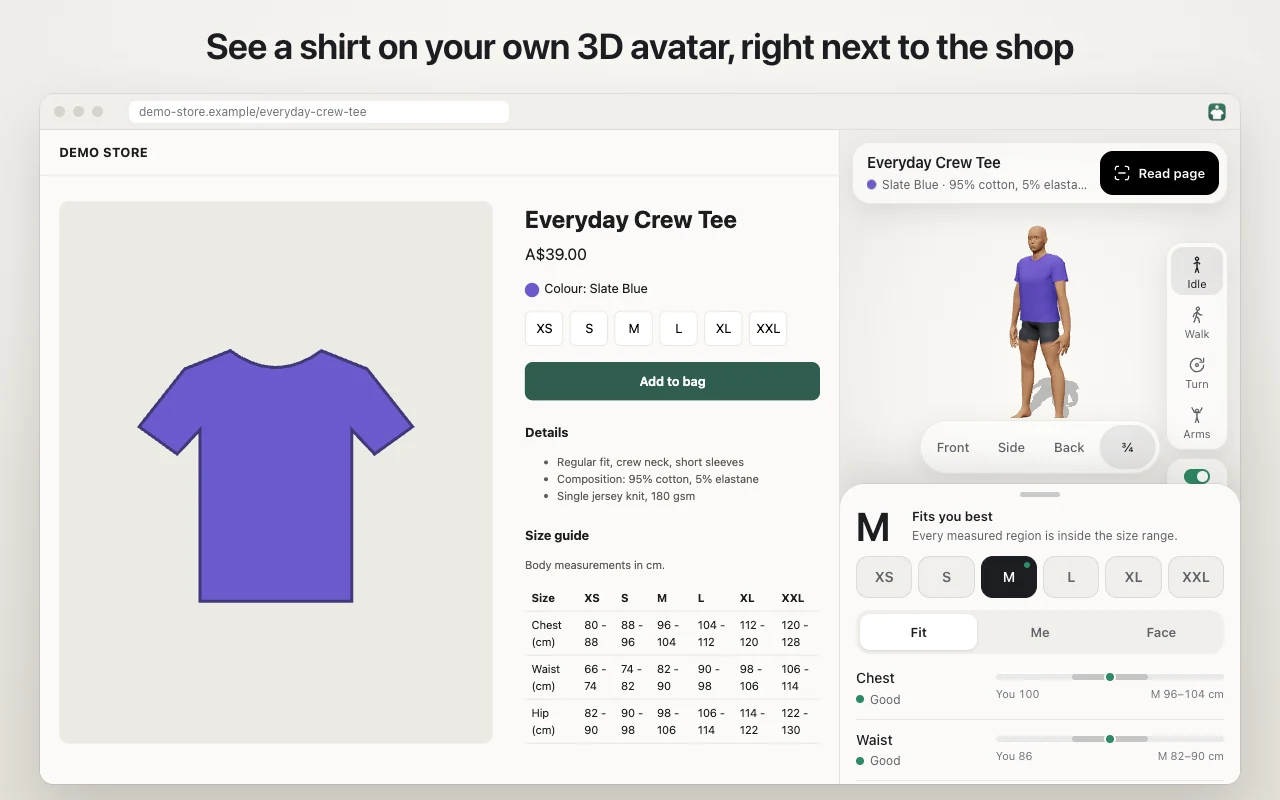
See how a t-shirt from the shop page you have open fits a 3D avatar built from your own measurements.
- Shopping
- Free
- Runs on-device
- Version 1.0.0
1 of 5: demo video
Overview
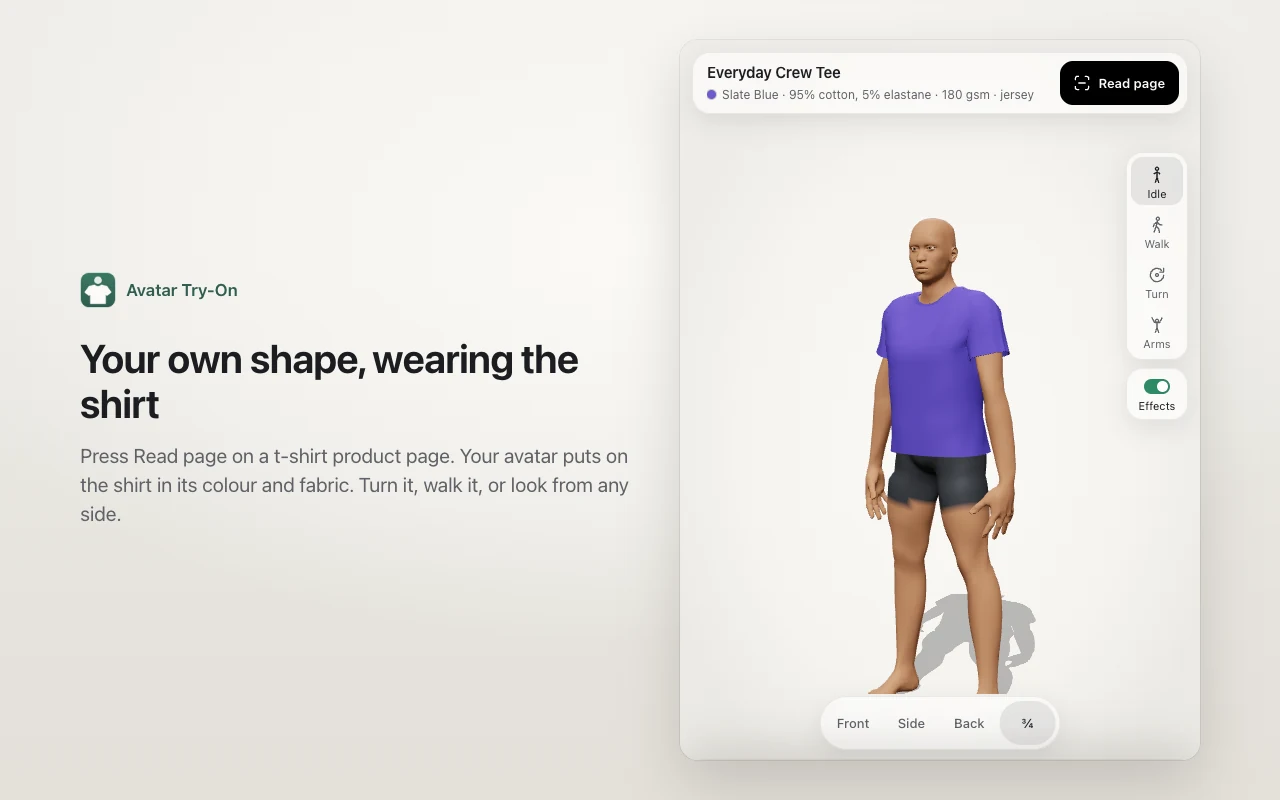
- Simulated cotton that hangs and moves on the body.
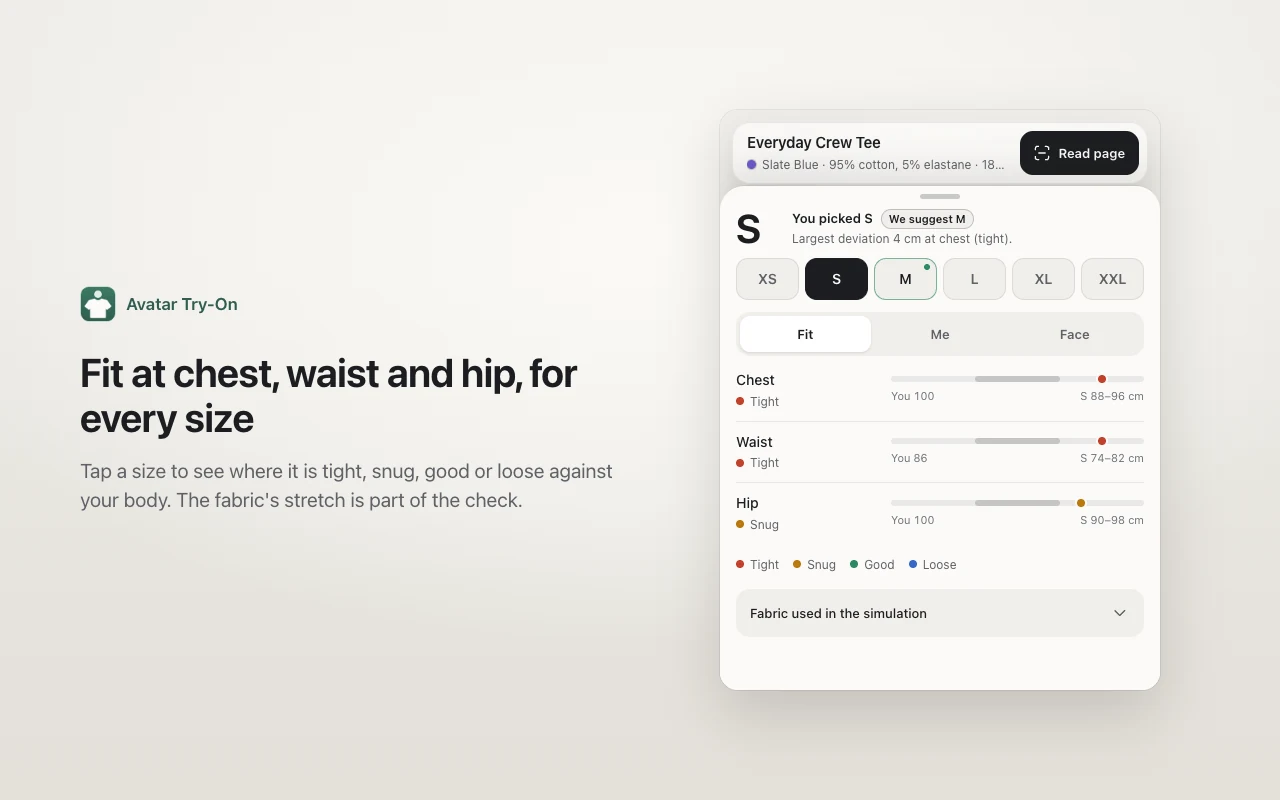
- A tight, snug, good or loose result at chest, waist and hip, for each size in the shop's size chart.
- Optional face photos give the avatar your skin tone and hair.
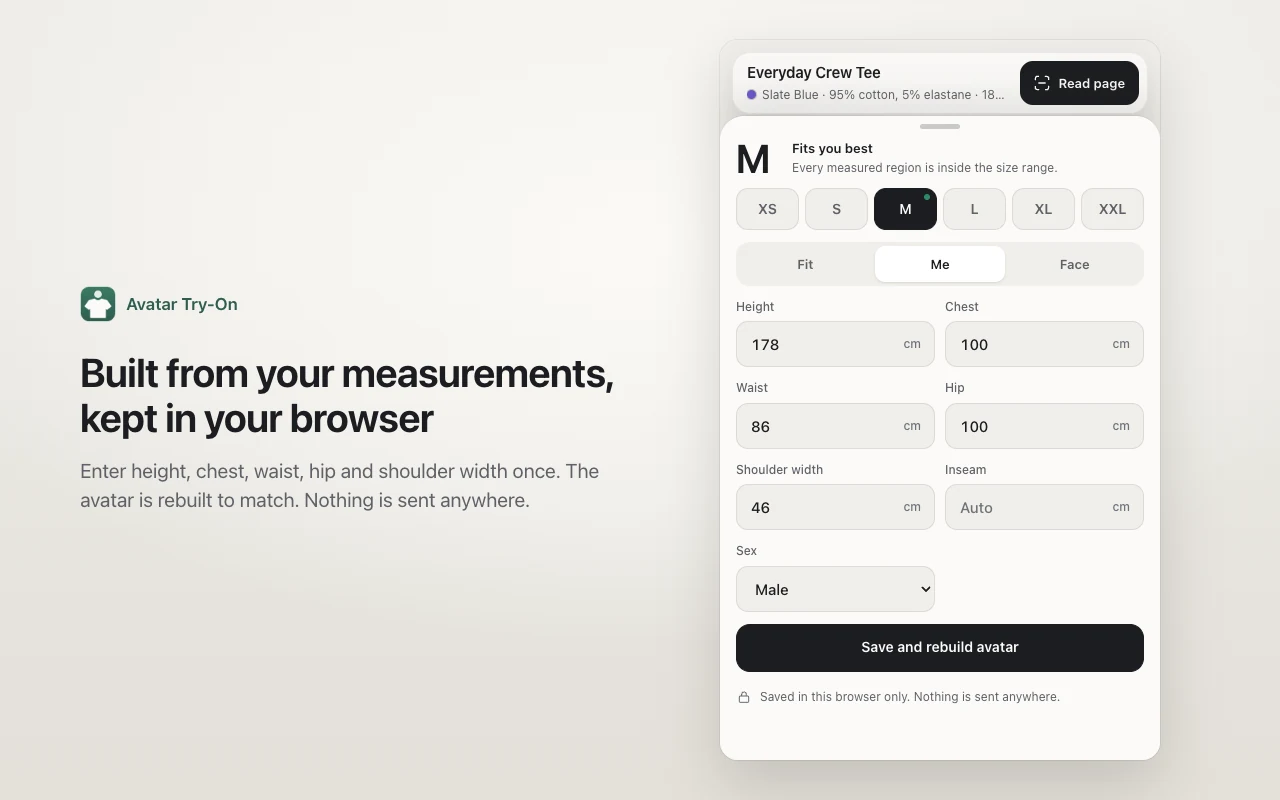
- Everything runs on your computer. Your measurements and photos never leave your browser.
What it works with. Product pages that show a body-measurement size chart. It simulates t-shirts only.
How it works
-
Enter your measurements
Type your height, chest, waist, hip and shoulder width once. The extension builds an avatar with your shape.
-
Press Read page on a shop
Open a t-shirt, open the side panel and press Read page. The avatar puts on the shirt in the colour you picked.
-
Compare the sizes
Tap a size to see where it is tight, snug, good or loose on your body.
Your data stays on your computer
- No analytics, no tracking and no ads.
- It reads a shop page only when you press Read page.